 Mixer AI




Seedance 2.5 video to video: stop wasting money on generations
A blogger redid a 30-second clip in Seedance 2.5 as one piece and spent 21 generations at $25 each — $525. Every attempt broke something different: wrong weapon, zombies not running at the hero, no grenade.
More
Slicing solves this differently: the clip is cut into scenes, the first frame of each is restyled as an image, and the generator gets short pieces and repeats the motion of the source in the new look. Scenes that need no changes never go to the generator, a failed piece is redone on its own, and in the end everything is stitched back together with the original sound. This can save money when not every scene needs changes: you pay only for the scenes you change, and in the method author's experience slicing works in about 9 cases out of 10.
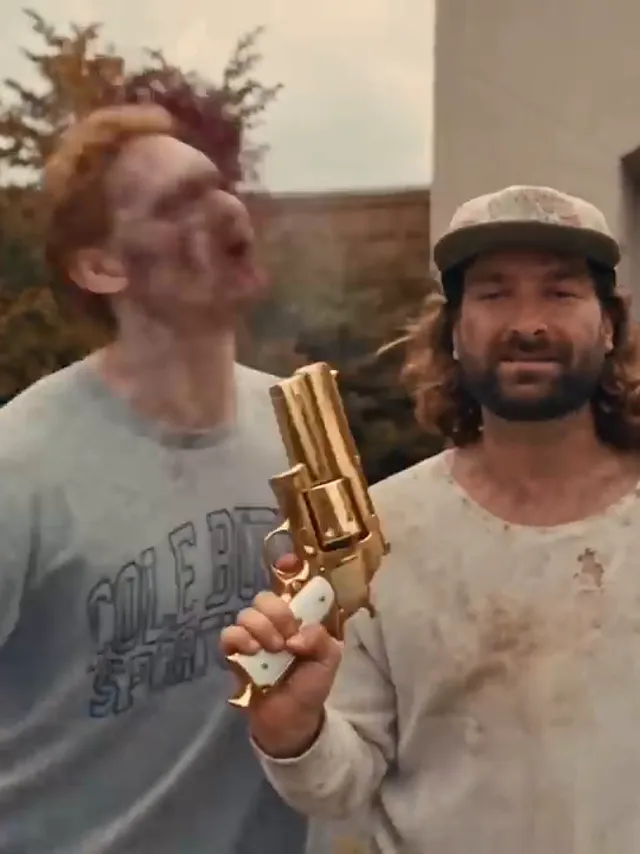
Step by step
Cut the clip into scenes. ffmpeg finds the shot changes; check each scene by a frame.
In a long shot with no cuts, start a new piece on the first frame where the new object is already visible, so it is on the first frame of its piece. Do not send scenes where nothing changes to the generator.
Restyle the first frame of each piece in GPT Image 2.6.
Ask it to keep the composition, pose, light and background and change only what you need. If the same person or object appears in many scenes, make a reference first and attach it to every restyle. Check the pose and angle against the source frame before generating video: redoing an image is cheaper.
Generate each piece in Seedance 2.5 in Video editor mode.
Upload a piece of 4–30 seconds and the restyled frame as a photo, and in the prompt say what changes and what stays. The length and format of the result come from the source piece. Slow down a scene shorter than 4 seconds, remember the factor, and restore the speed after generation.
Start with a 480p draft.
It costs less, and a good draft can be completed to 1080p within 7 days without a new generation. Redo a failed piece on its own, changing one thing at a time: the prompt, the restyled frame or the cut point.
Stitch the pieces together with the original sound.
Restore the speed of slowed scenes, match the size and frame rate to the source, and lay the original audio track over it. The Narezka skill ("slicing") at the bottom of the page does the slicing, frames and stitching itself. From you it needs the video, what to replace, the restyled frames (or a "yes" to generate them) and a "yes" for each video generation.
Prompts for video to video
The first prompt is for restyling a frame in GPT Image 2.6, the others are for Seedance 2.5 in Video editor mode. Fill in your own text in square brackets.
Keep this frame as is: composition, angle, pose, light, background and all people. Change only: the hero's light hoodie → a dirty torn ivory t-shirt, and in his hand a golden revolver with a white grip. No new objects and no text. Photorealistic, like a frame from the same video.
@video1 is the source video: repeat the motion, camera, pace and timing exactly. @image1 is the first frame in the new look: this is how [object] looks in the whole scene. Change only: [object] → [new look, as in @image1]. The replacement follows the path, scale, overlaps and contacts of the original object. Keep from @video1: [people, background, light, clothes, everything we do not change]. Camera: trajectory, framing and focus as in @video1.
@video1 is the source video, repeat the motion and camera exactly. @image1 is the first frame of the scene. At the moment of the finger snap, the TV behind the girl explodes: a flash, screen shards, smoke. The girl, her movements, the light and the camera as in @video1. Before the snap the TV does not change.
Price in coins
What the blogger wanted
The author of the video "Seedance 2.5 Tutorial: Full AI Video-to-Video Workflow" filmed a take in a yard with a friend and a bat, and wanted the AI to turn it into a zombie apocalypse scene: an abandoned mall, a zombie crowd, a golden revolver, a grenade and an explosion.
His preparation was serious: a location frame and character and prop sheets in an image model, and a shot-by-shot prompt written in Claude. But he generated the whole 30-second video in one piece, and every failure had to be redone from scratch.
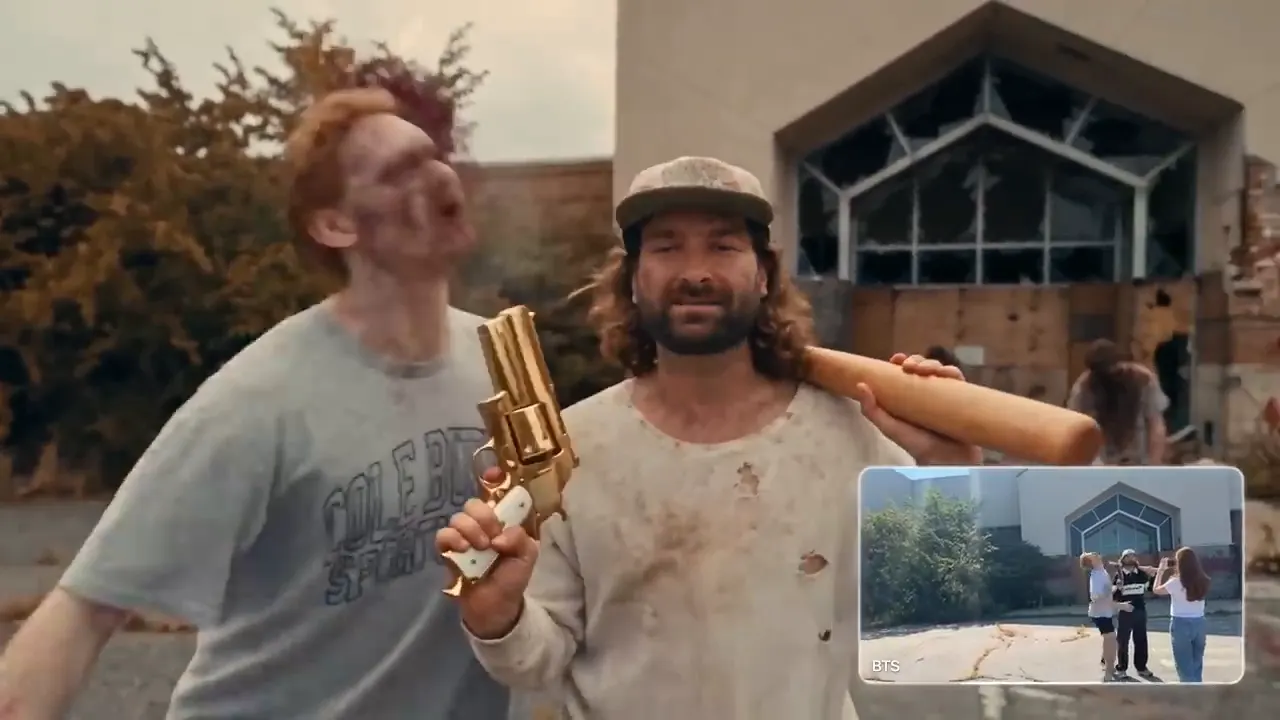
What broke from attempt to attempt
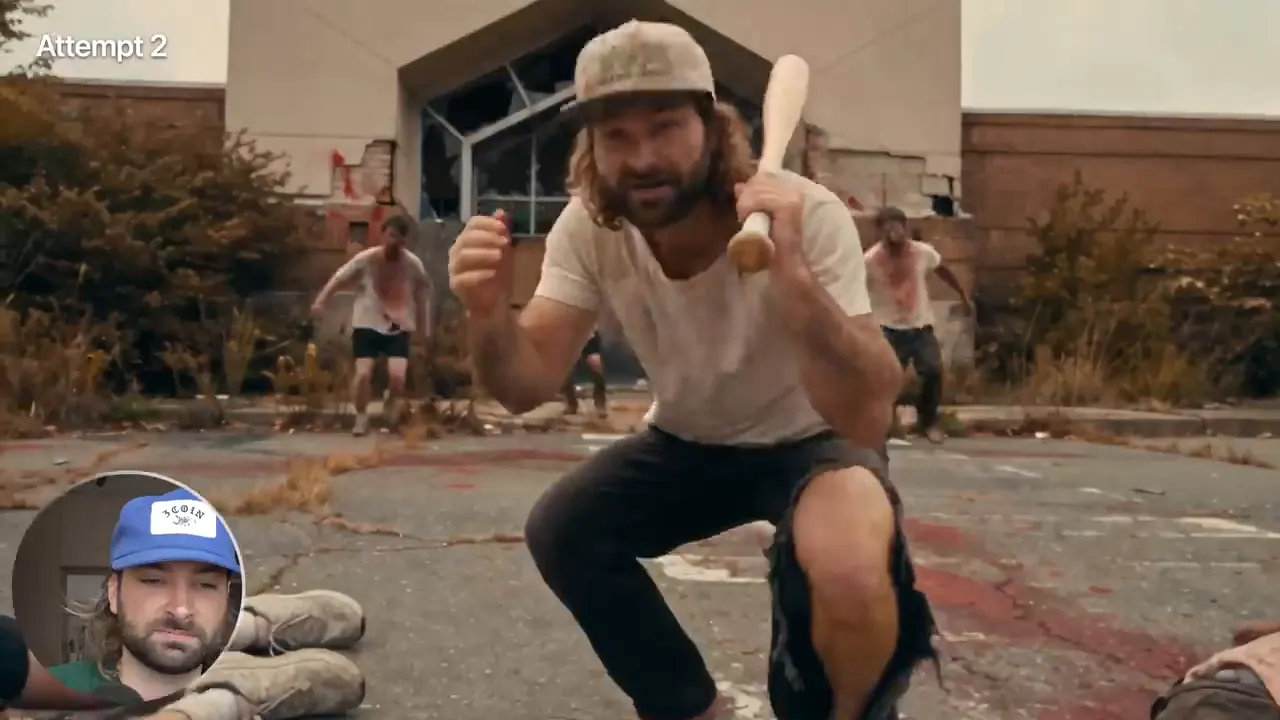
Every generation gave a new error. The blogger fixed the prompt in the same Claude chat and ran the whole clip again.
- Attempt 1: a weapon appeared, but the wrong one; the zombies stand still when they should run at the hero.
- Attempt 2: the pistol fires the wrong way, the grenade in the hand never appeared.
- Attempts 3–4: the weapon changes from run to run, still no grenade.
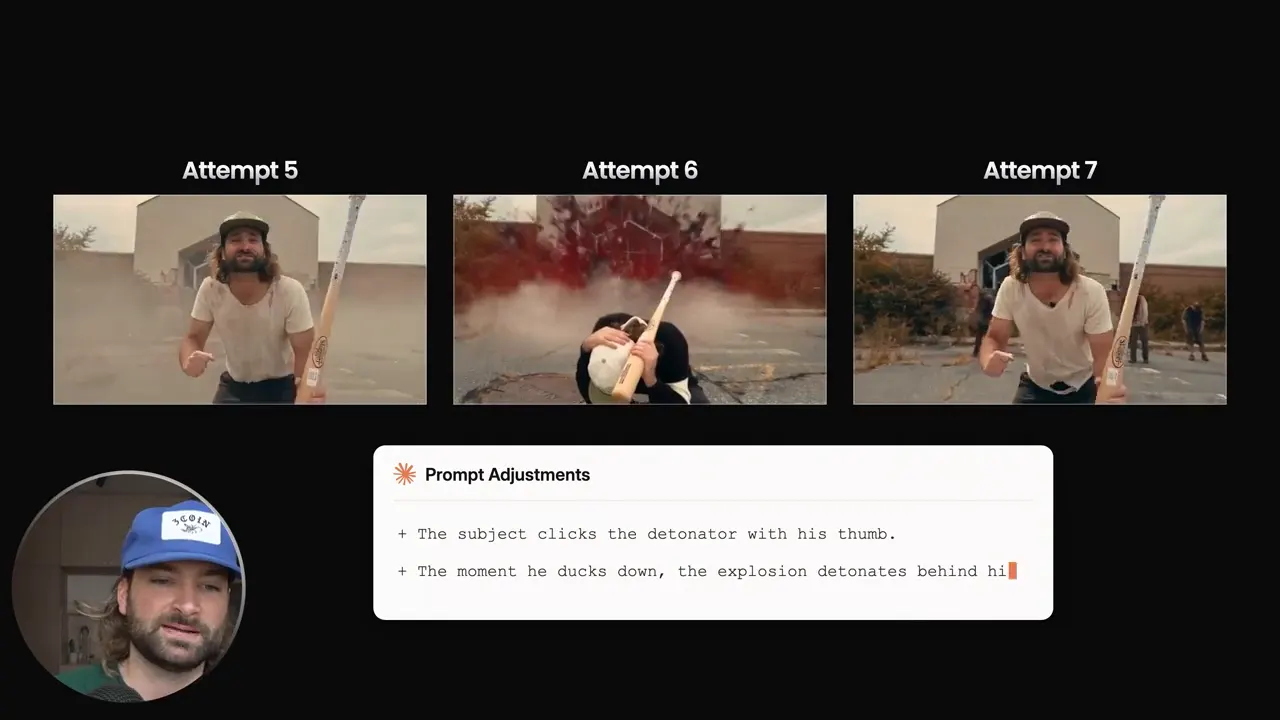
- Attempts 5–7: notes about the detonator and the moment of the explosion are added to the prompt.
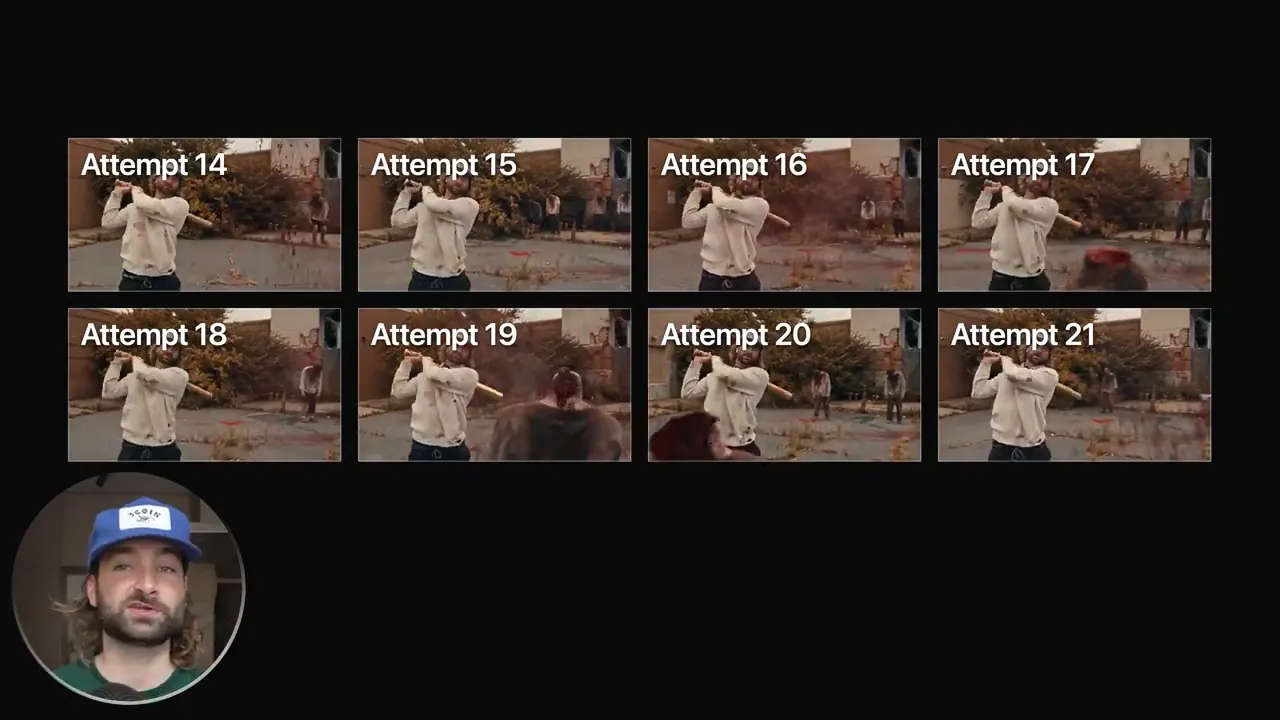
- Attempts 14–21: eight generations of the same clip for the last details.
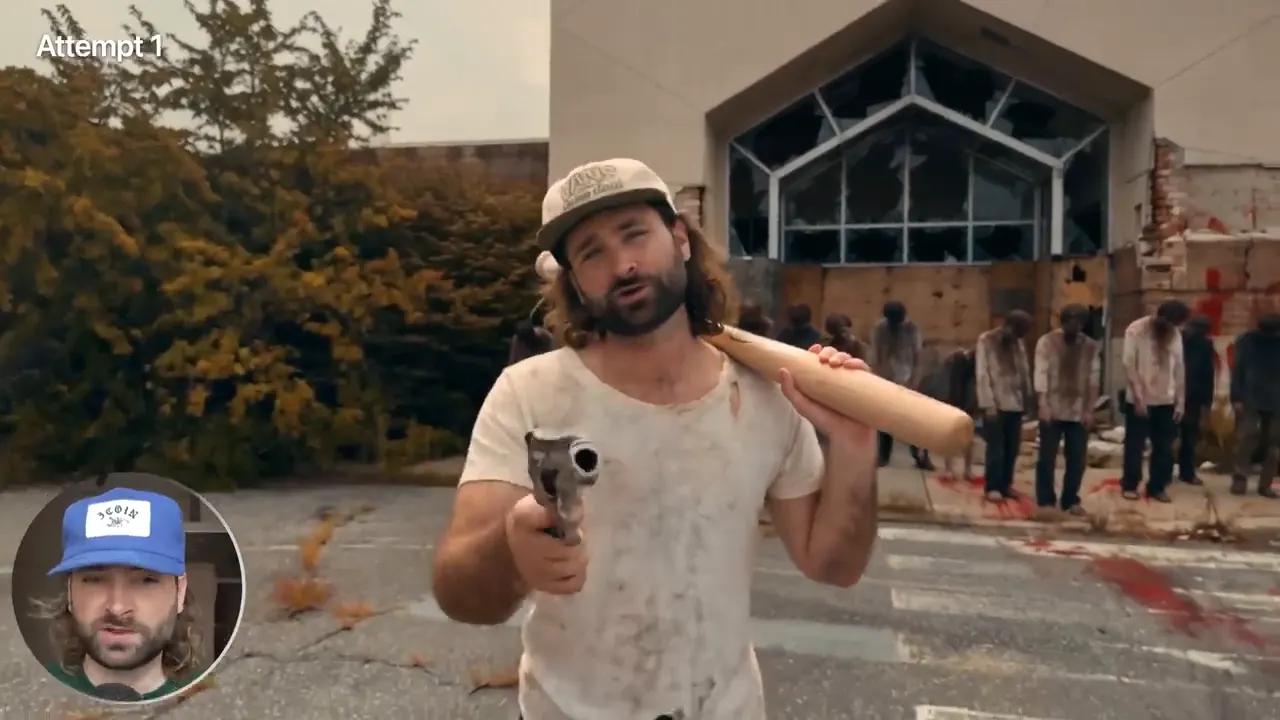
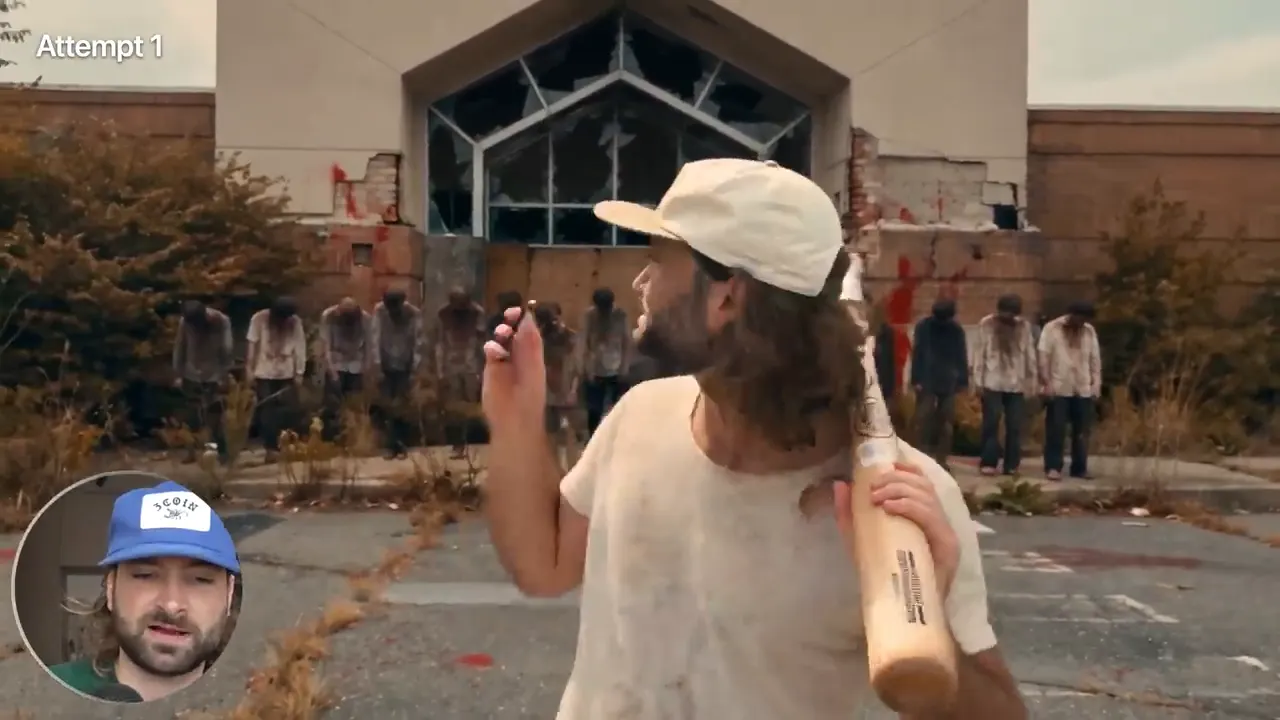
What it cost: $525 for one clip
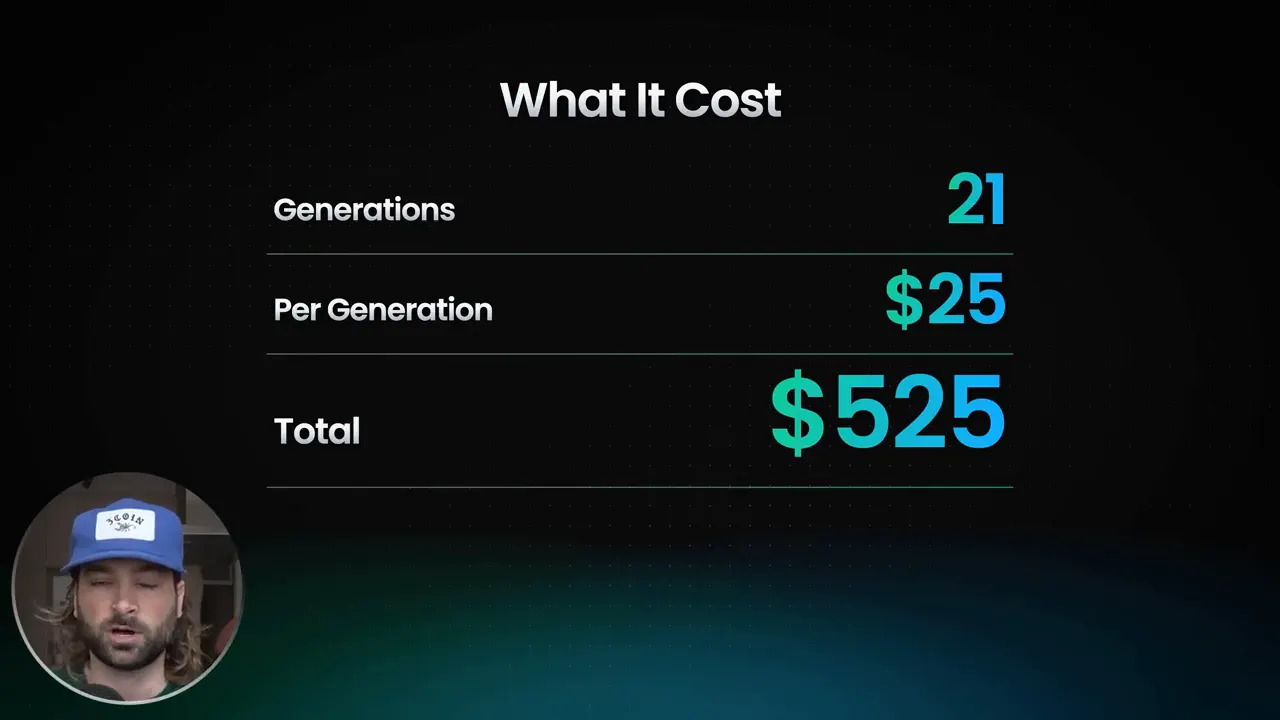
Each generation of the 30-second clip cost the blogger about $25. In total, 21 attempts — $525. He compares this to a shoot with makeup artists, extras and graphics for tens of thousands, and that is indeed cheaper. But most of the money went on repeats where one detail broke, and he had to pay for all 30 seconds.
Why the generator loses the replacement in a long clip
The generator knows about the replacement only what is visible on the restyled first frame and in the prompt. Everything that appears later — a new shot, a second person, an object that enters the frame — it has not seen in the new look, and it often returns it as in the source or invents its own version.
The longer the piece and the more events in it, the more places where something goes wrong. And a mistake in one detail at the end of the clip costs a new generation of the whole clip.
- Cut so that everything being replaced is visible on the first frame of its piece.
- One scene, one generation, even if the edit is the same in all scenes.
- One main edit per piece. Two unrelated edits mean two generations in a row, the second on top of the first.
Whole clip or slicing: what is the difference
| The whole clip in one generation | Slicing into scenes | |
|---|---|---|
| What goes to the generator | All seconds of the clip, even without edits | Only scenes where something changes |
| If it did not work | A new generation of the whole clip | A new generation of one piece |
| Objects that appear later | Often come back as in the source | Visible on the first frame of their piece and get replaced |
| Check before paying | Only the prompt | The restyled frame of every scene |
| Draft | The whole clip in 480p | Every piece in 480p, in 1080p only the good ones |
Example: a 30-second clip of six 5-second scenes, with edits needed in four. 20 seconds go to the generator, not 30, and redoing a failed scene is 5 seconds, not the whole clip.
A long shot with no cuts: where to cut
If the clip was filmed as one shot, cut not by time but by the appearance of objects.
- Everything to replace is visible from the first frame and the shot is no longer than 30 seconds — you can generate it as one piece.
- The object appears later — start a new piece on the first frame where it is already visible, just entering the frame. Do not start earlier: if the object is not on the first frame, it is not on the restyled frame either, and the replacement is lost.
- The shot is longer than 30 seconds — cut it into equal pieces of up to 30 seconds so no short tail is left: 31 seconds is 15.5 + 15.5, not 30 + 1.
- Cut on camera or body movement: a joint on movement is less noticeable than on a still.
- The replacement continues from the previous piece (a hat on the head) — restyle the first frame of the next piece as usual and attach the last frame of the already generated piece to the restyling and the generation as a reference. Such pieces are generated one after another, and the joint is worth checking afterwards.
- Each piece is 4 to 30 seconds long: these are the limits of the Seedance 2.5 Video editor.
Why slicing is convenient in Mixer AI
- Seedance 2.5 in Video editor mode: a 4–30 second source plus photo references, with the length and format of the result the same as the source.
- A 480p draft costs less, and a good one can be completed to 1080p within 7 days without a new generation.
- GPT Image 2.6 for restyling first frames: it changes what you ask for; compare the restyled frame with the source one.
- A canvas right in Claude or ChatGPT: the assistant lays out a frame for each scene — source piece, first frame, restyle, task and generation — and you see the project in the chat or on the site.
- Payment in rubles, and the price of each generation is visible before you start.
The Narezka skill ("slicing"): the assistant does it all
The method is packed into a skill — a file with instructions for an AI assistant. The assistant finds the shot changes and checks them frame by frame, cuts the clip, extracts the first frames, writes the tasks for restyling and for Seedance 2.5, lays out the project and stitches the finished pieces with the original sound. From you it needs the video, what to replace, the restyled frames (or a "yes" to generate them) and a "yes" for each paid generation.
Claude Code: put the file at ~/.claude/skills/narezka/SKILL.md. Codex, Cursor, ChatGPT and any other assistant: attach the file to the chat and write "follow this file". The file is in Russian, but the assistant follows it in any language and answers in yours. For slicing, the assistant needs access to your computer and the free program ffmpeg — the skill checks this and offers to install it.
Original video: "Seedance 2.5 Tutorial: Full AI Video-to-Video Workflow" by Rourke on YouTube
Which model to use


FAQ
What is video to video AI?
It is redoing a finished clip: the AI takes the motion, camera and timing from the source and changes the look based on a prompt and an image. In Mixer AI this is Seedance 2.5 in Video editor mode.
Why does Seedance change an object only at the start of the clip?
The generator knows about the replacement what is visible on the restyled first frame. What appears later it has not seen in the new look, and it often returns it as in the source. That is why the clip is cut so that every replaced object is visible on the first frame of its piece.
How do I stop wasting money on video generations?
Do not send scenes without edits to the generator, check the restyled frame before generating, start with a 480p draft, and redo only the failed piece, not the whole clip. The price of each generation in Mixer AI is visible before you start.
How long a piece does Seedance 2.5 take?
In Video editor mode, from 4 to 30 seconds, and the result is as long as the piece. A scene shorter than 4 seconds is slowed down before generation and sped back up afterwards.
Where do I get the Narezka skill?
Download it on this page. It works in Claude Code, Codex, Cursor and ChatGPT: the file goes into the skills folder or is attached to the chat.