 Mixer AI



 Nano Banana 2
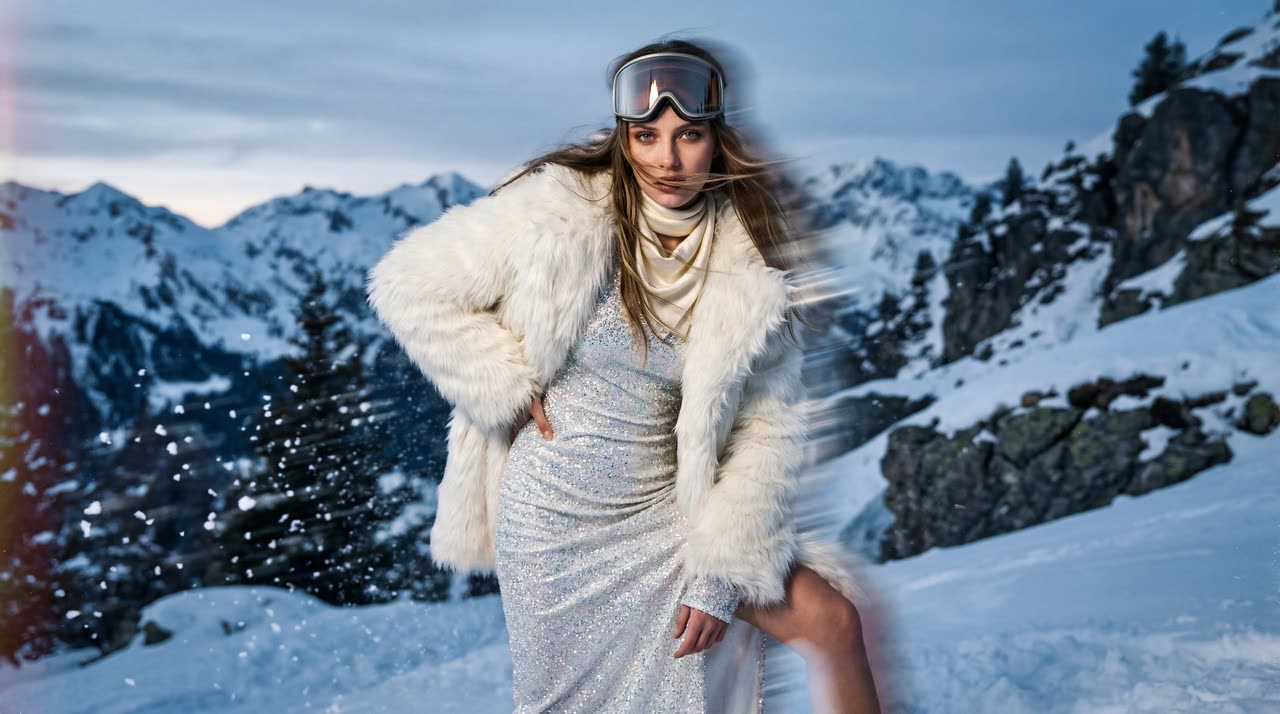
Combine references into a scene and adapt it from a square post to a wide banner.
When to choose it
Nano Banana 2 works well as a workflow for a series built around one character or product. Supply separate photos for appearance, clothes and setting, then vary the composition and format. Keep a shared brief and inspect each result rather than relying on the model to remember the campaign.
- Up to 14 input images for a composite scene.
- A broad range of aspect ratios and resolutions up to 4K for different placements.
Modes and settings
- Create from text or edit from images; request 1, 2 or 4 results.
- 1K, 2K or 4K; 15 aspect-ratio options including Auto and very wide or tall formats.
Price in coins
| Quality / size | Input | Coins / generation |
|---|---|---|
| 1K | Photo editing | 8 |
| 1K | Text | 8 |
| 2K | Photo editing | 11 |
| 2K | Text | 11 |
| 4K | Photo editing | 15 |
| 4K | Text | 15 |
Coins are Mixer AI balance units. The table shows a base request without extra variations. Multiple results and new attempts can increase the total; check it before submitting.
What you can make
- Create a square post, vertical story and wide banner for one campaign.
- Build a scene with a character and products from separate photographs.
How to direct the result
- Assign every reference a role and specify where objects belong in the final frame.
- For another format, request a new composition rather than stretching the existing image.
Example: a character-and-product banner
Create a wide banner. The person in photo one stands on the right, holding the package from photo two at chest height. Leave open space on the left for a headline, but add no text. Take the setting and soft light from photo three. Preserve face, clothes, package shape and colors. Do not stretch body proportions.
What to keep in mind
- Fourteen references is a ceiling, not a recommendation for every task.
- More pixels do not fix mixed-up characters or incorrect product geometry.
Sources
- Prices and availability — Mixer AI catalog, updated 2026-09-18.
- Official maker site: Google
Model facts verified: 2026-09-20.
Guides and comparisons using this model
FAQ
Can I include several characters?
You can supply separate photos, but assign each a clear role and position. More complex groups need closer checks of faces and hands.
Are panoramic formats available?
Yes. Extended ratios include 4:1 and 8:1, alongside their tall counterparts and regular formats.
How do I keep a consistent series?
Reuse sources, lighting instructions, palette and defining details. Change one compositional task at a time.
Should I select 4K immediately?
A smaller resolution is usually enough to explore composition. Check the final image at its intended size.
How does it differ from Lite?
This version explicitly offers 1K, 2K and 4K and up to 14 photos. Lite uses automatic sizing and accepts up to 10 images.
Does it edit fourteen photos separately?
No. That is the number of input materials for one request, not a promise of fourteen independent outputs.
What changes the price?
It depends on version, quality and mode. The table prices one generation at the listed settings. Additional results, new attempts and chargeable input materials can increase the total.
Do I need a separate model subscription?
No. In Mixer AI, you top up one coin balance and use it for the tasks you need. You do not need a separate subscription to this model.