



Mixer AI, right inside your AI assistant
Create photos and videos and build a canvas without leaving ChatGPT, Claude, Cursor or Codex.
https://mcp.mixerai.org/mcp

Connect in a minute
- Open chatgpt.com/plugins and choose “Add custom MCP server”.
- Name it MixerAI, paste the address, choose OAuth and create the plugin.
- Sign in to Mixer AI and write in the chat: “@Mixer AI …”.
Mixer AI is not in the public ChatGPT catalog yet, so the server is added manually. No “Add custom MCP server” option? It is turned off for your plan or by an administrator.
 Mixer AI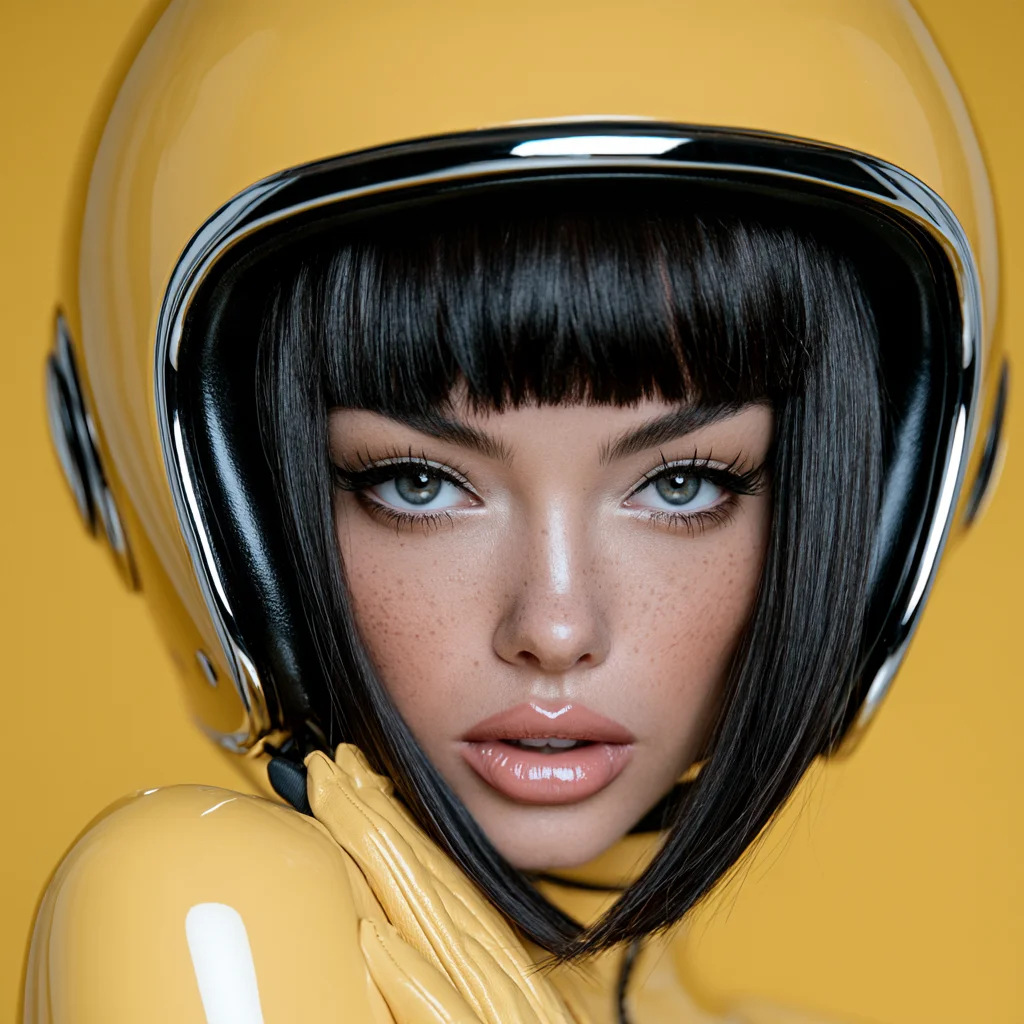
- Click “Open Claude connectors”: the form opens pre-filled.
- Click “Add” and sign in to your Mixer AI account.
- Turn Mixer AI on in the chat via “+” → Connectors and write “@Mixer AI …”.
If the fields are empty, enter the name Mixer AI and the server URL. Works on claude.ai and in the Claude desktop app.
Mixer AI- Copy the command and run it in your terminal.
- Sign in:
claude mcp login mixeraiand allow access in the browser. - Start
claudeand ask: “Use Mixer AI: …”.
claude mcp add --transport http --scope user mixerai https://mcp.mixerai.org/mcp- Click “Add to Cursor”: the config opens ready to install.
- Confirm installing the mixerai server.
- Sign in to Mixer AI and ask in the chat: “Use Mixer AI: …”.
Mixer AI- Add the block below to
~/.codex/config.toml. - Sign in:
codex mcp login mixeraiand allow access in the browser. - Start
codexand ask: “Use Mixer AI: …”.
[mcp_servers.mixerai]
url = "https://mcp.mixerai.org/mcp"- Open your client’s MCP settings and add a remote server.
- Paste the address, Streamable HTTP transport, sign in with OAuth.
- Sign in to Mixer AI and ask: “Use Mixer AI: …”.
https://mcp.mixerai.org/mcpAny client that can connect remote MCP servers will do.
Mixer AIWhat you can do
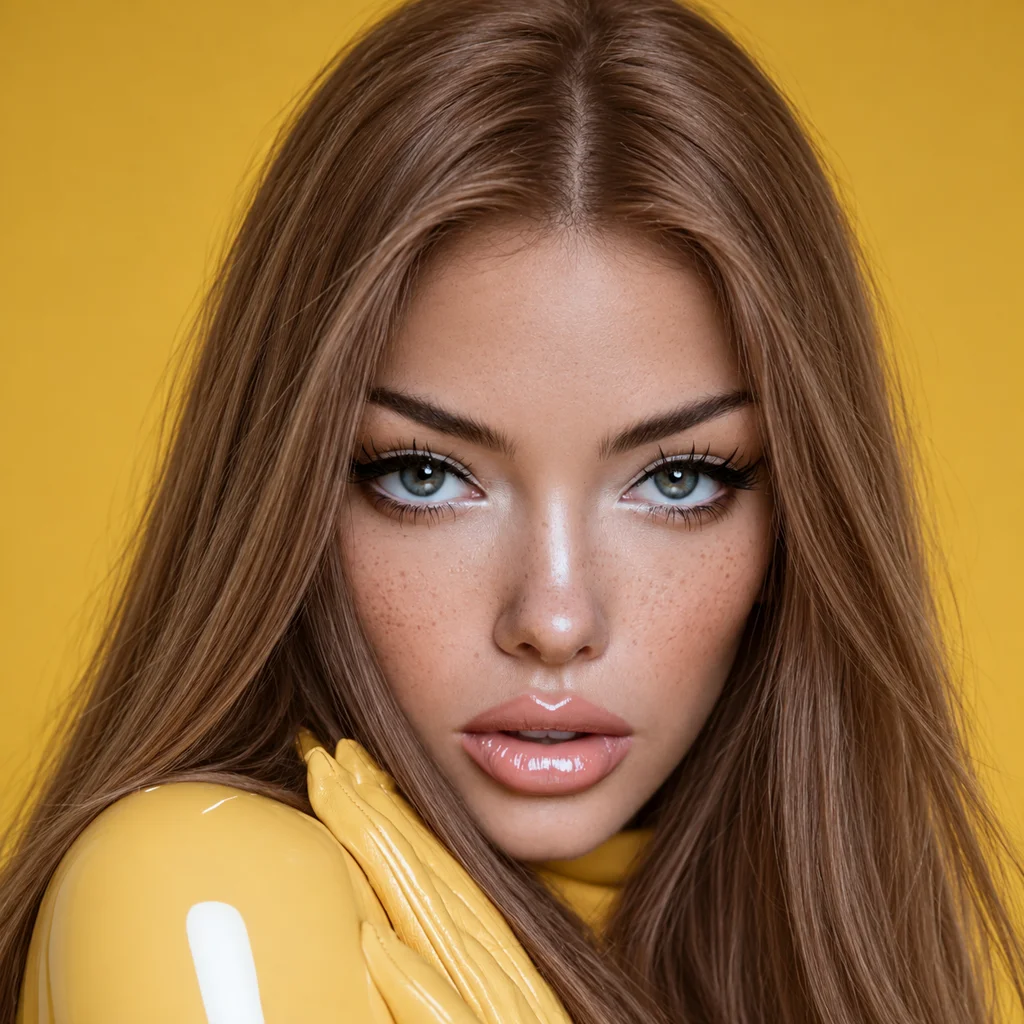
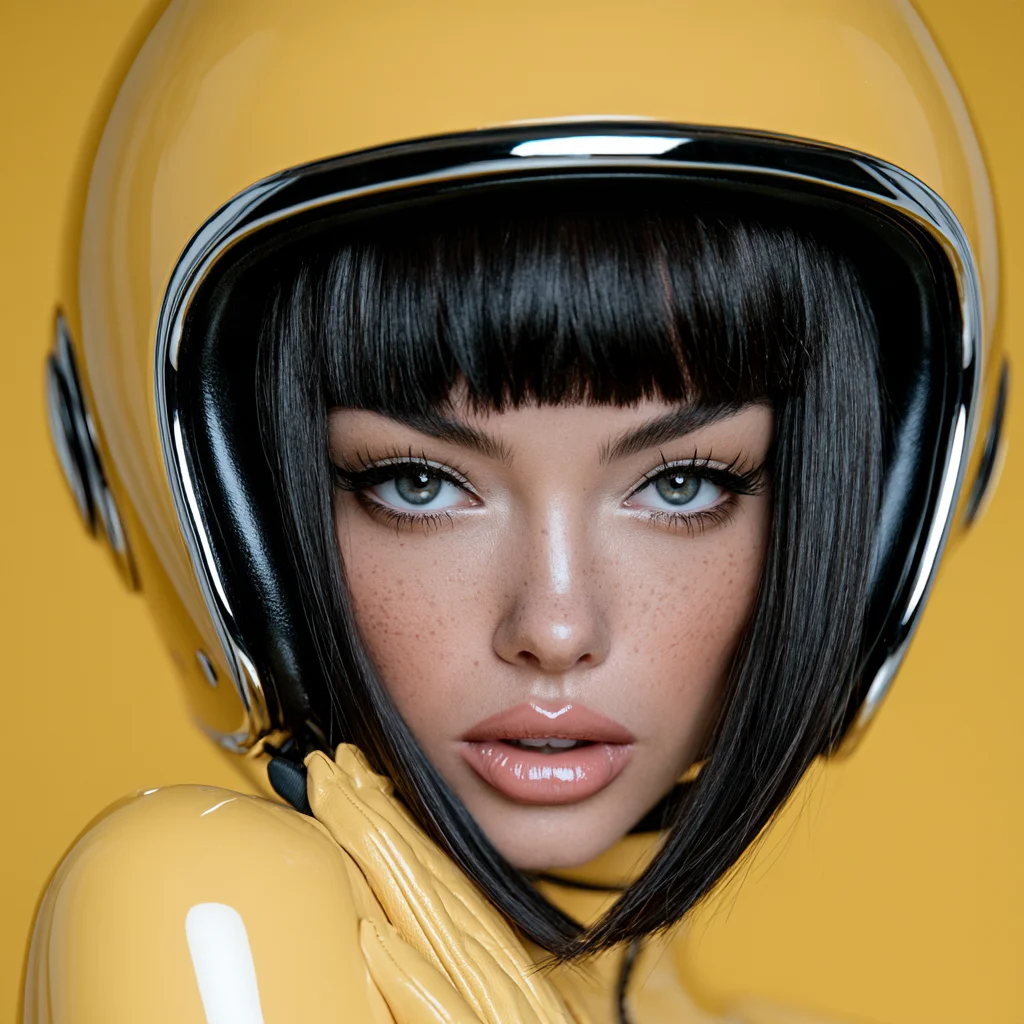
@Mixer AI award winning portrait photograph of a stunningly beautiful bizarro fashionista female sphere cyborg, pastel yellow clothing, bright yellow background, extremely photorealistic, minimalism, sterile, portrait photography, stunning


@Mixer AI remove the helmet and change the girl's hair to light brown
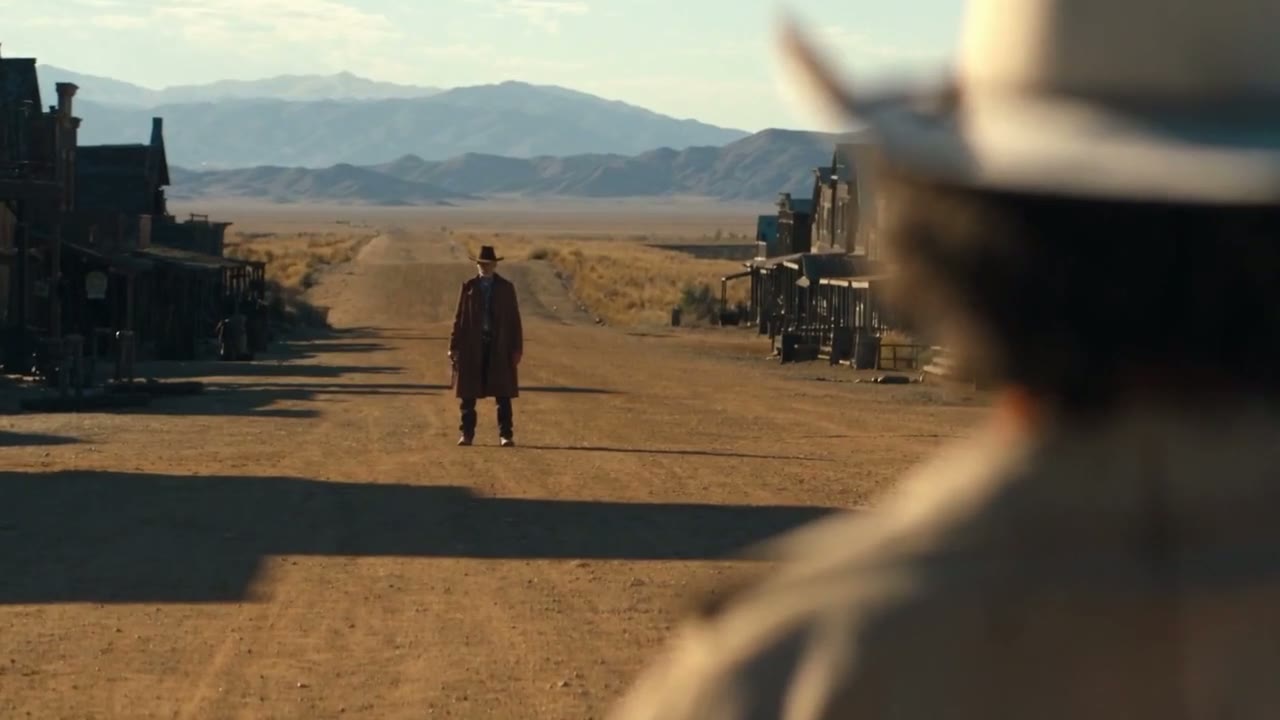
@Mixer AI a showdown on the dusty main street of an Old West town: a man in a long coat and hat stands still in the distance, a blurred silhouette in a hat in the foreground. Warm low sun, long shadows, mountains on the horizon, cinematic lighting. Slow push-in, 4 seconds


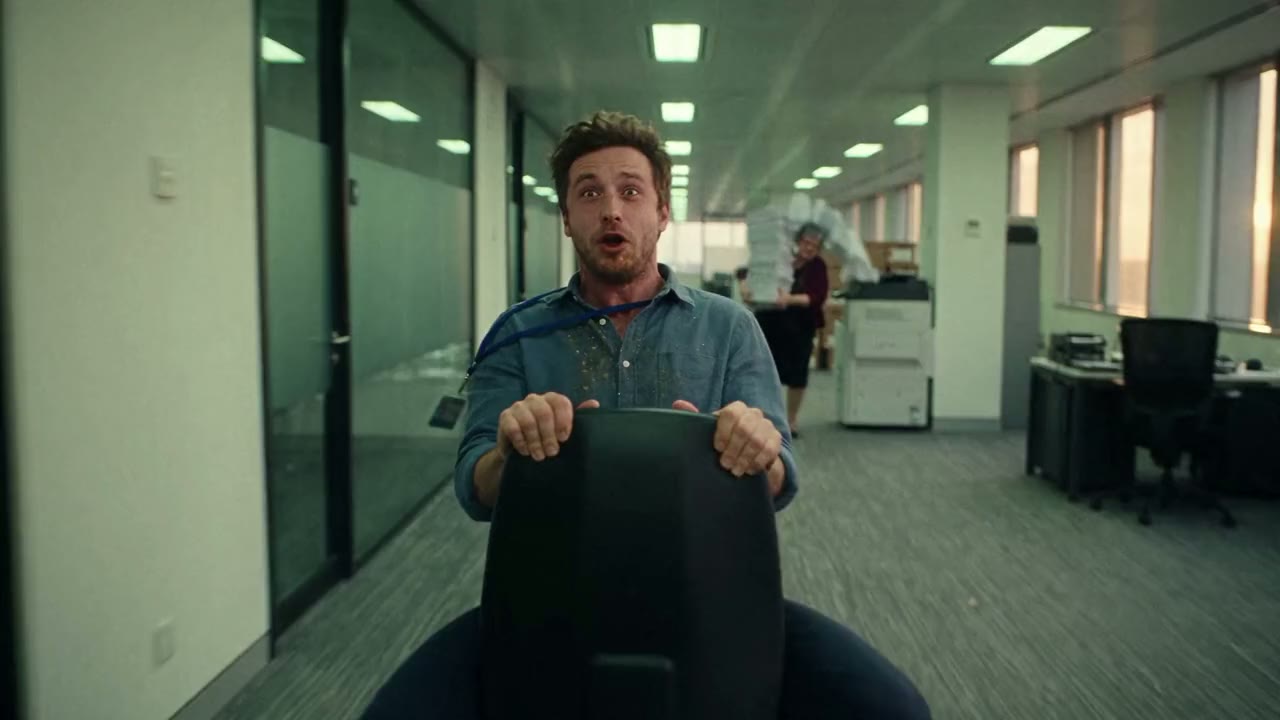
@Mixer AI replace the office with a space station: a corridor with portholes and stars behind the glass. Keep the motion, the hero and the chair unchanged
@Mixer AI build a storyboard of 4 scenes on the canvas and animate each one
Good to know
How much does connecting cost?
Nothing. Connecting is free, you pay in coins only for the generations themselves.
When are coins charged?
Only after you confirm. The assistant shows the price and you confirm the run with a button in the window or by replying “Agreed”.
Can I attach my own files?
Yes. Photos up to 30 MB, video and audio up to 100 MB.
How long are files kept?
Reference files for a generation are kept for one day. Files uploaded to the canvas are kept for 50 days.
Which assistants are supported?
ChatGPT, Claude (web and app), Claude Code, Cursor and Codex. Any other client that can connect remote MCP servers works too.
Do I need keys or passwords?
No. You sign in to your Mixer AI account in the browser. You can disconnect an assistant in your profile on the site, under “Connected apps”.