Mixer AI



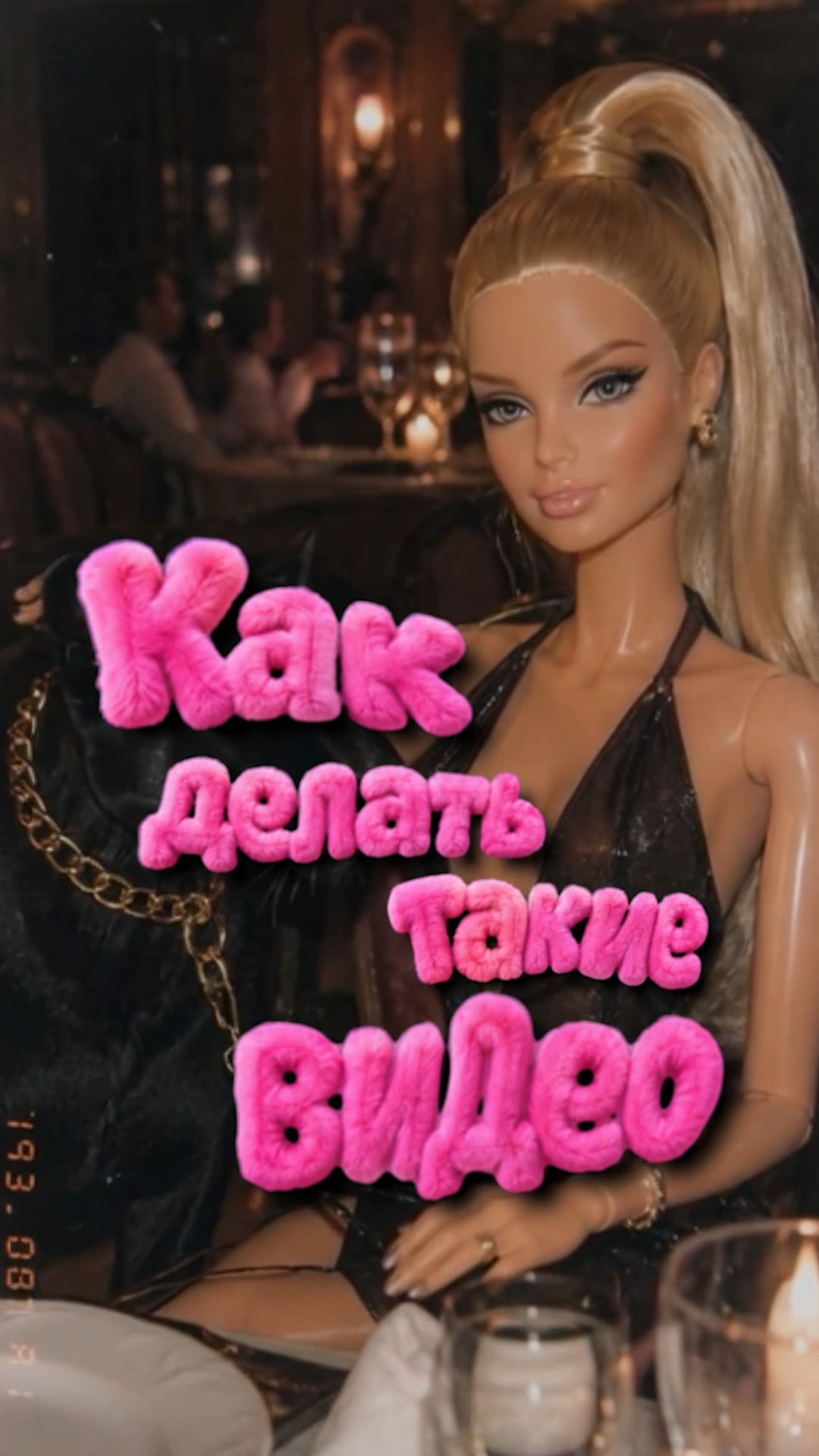
Efecto muñeca: vídeo viral al estilo de una muñeca de plástico
El efecto muñeca de moda es cuando una persona en pantalla se convierte en una muñeca de juguete brillante con un look de cámara de los 2000. Aquí tienes dos métodos que funcionan: transferir el movimiento de un clip existente o crear una escena desde cero. Todo dentro de Mixer AI, pago por resultado en monedas, sin suscripciones.
Dos métodos, elige el tuyo
Método 1, efecto muñeca a partir de un vídeo
Cómo funciona
El vídeo existente marca el movimiento, y el primer fotograma estilizado marca la apariencia de la muñeca. Kling 3.0 Motion Control une lo uno con lo otro.
 GPT Image 2
  Kling 3.0 Motion Control
 Prompts del método 1
Transform the uploaded image into a dreamy low-fi plastic fashion-doll photograph. Keep the original composition, pose, camera angle, clothing, objects, environment, and main visual identity of the uploaded image, but reinterpret everything as a realistic toy-photography scene.

If the image contains a person, animal, character, or body-like figure: turn them into a glossy plastic doll/toy version while preserving recognizable features, hairstyle, face structure, outfit silhouette, pose, proportions, and expression. Make all body construction clean and believable: head naturally connected to the neck, neck to shoulders, arms attached correctly to torso, hands connected to wrists, legs connected to hips, feet attached naturally, no melted limbs, no broken joints, no missing fingers, no distorted anatomy. The body should look like a manufactured doll with smooth plastic skin, subtle seams, soft toy-like joints, glossy highlights, and slightly stylized facial features.

Visual style: 2000s low-resolution digital camera, dreamy soft-focus lens, slight blur, shallow depth of field, faded colors, muted contrast, warm flash, plastic shine, subtle haze, nostalgic toy photography, amateur indoor snapshot, visible grain, dust specks, slight chromatic aberration, gentle vignette, imperfect focus, compressed social-media look, playful fashion-doll aesthetic.

Lighting and color: soft warm flash, slightly washed-out colors, pale highlights, faded pink/blue/yellow tones, not too saturated, not too sharp, dreamy and cheap-camera looking.

Keep the result realistic as a photographed physical doll or toy figure, not a clean 3D render, not anime, not cartoon, not illustration. Do not change the original pose or composition. Avoid distorted anatomy, melted hands, missing fingers, broken limbs, floating head, disconnected arms, unnatural joints, extra limbs, deformed face, over-saturated colors, harsh contrast, overly sharp details, plastic surgery face, AI-perfect skin, fake glossy render.
Transfer the appearance of the doll character from the reference photo onto the person in the video. Keep the original motion, timing and camera exactly as in the video. Preserve the doll look: glossy plastic skin, subtle seams, clean believable anatomy.
Método 2, efecto muñeca desde cero
Cómo funciona
Aquí no hay clip original: describes la escena con palabras. Primero una foto de muñeca en GPT Image 2, luego la animación en Grok.
¿Quieres una muñeca a partir de tu propia foto? Estilízala con el método 1 y luego sube el resultado a Grok como imagen de entrada.
 Grok
Grok Prompts del método 2
Generate an image of: [YOUR SCENE / SUBJECT / ACTION / SETTING].

The image should depict exactly this scene, while being rendered in a dreamy low-fi plastic fashion-doll aesthetic.

If the scene contains a person, animal, character, or body-like figure: represent them as a glossy plastic doll/toy version while preserving clear recognizable features, hairstyle, face structure, outfit silhouette, pose, proportions, and expression. Make all body construction clean and believable: head naturally connected to the neck, neck to shoulders, arms attached correctly to torso, hands connected to wrists, legs connected to hips, feet attached naturally, no melted limbs, no broken joints, no missing fingers, no distorted anatomy. The body should look like a manufactured doll with smooth plastic skin, subtle seams, soft toy-like joints, glossy highlights, and slightly stylized facial features.

If the scene does not contain a person: keep the original subject and environment concept, but render it as a miniature toy/doll-world photo, with plastic textures, tiny staged objects, soft nostalgic lighting, and handmade toy-photo realism.

Visual style: 2000s low-resolution digital camera, dreamy soft-focus lens, slight blur, shallow depth of field, faded colors, muted contrast, warm flash, plastic shine, subtle haze, nostalgic toy photography, amateur snapshot feeling, visible grain, dust specks, slight chromatic aberration, gentle vignette, imperfect focus, compressed social-media look, playful fashion-doll aesthetic.

Lighting and color: soft warm flash, slightly washed-out colors, pale highlights, faded pink/blue/yellow tones, not too saturated, not too sharp, dreamy and cheap-camera looking.

Keep the result realistic as a photographed physical doll or toy figure, not a clean 3D render, not anime, not cartoon, not illustration. The final image should feel like a candid viral doll-photo frame. Avoid distorted anatomy, melted hands, missing fingers, broken limbs, floating head, disconnected arms, unnatural joints, extra limbs, deformed face, over-saturated colors, harsh contrast, overly sharp details, plastic surgery face, AI-perfect skin, fake glossy render.
Scene / action: [YOUR SCENE HERE].

Create a short video of this exact scene in a dreamy low-fi plastic fashion-doll aesthetic.

Render all people, animals, characters, and body-like figures as realistic glossy physical dolls/toy figures while preserving the scene logic, subject relationships, outfit style, pose, silhouette, and expression. Keep anatomy clean and believable: head naturally connected to neck, neck to shoulders, arms attached correctly to torso, hands connected to wrists, legs connected to hips, feet attached naturally. No melted limbs, no broken joints, no missing fingers, no floating body parts, no distorted anatomy.

Movement style: controlled, subtle, elegant doll-like motion. Use small believable movements only: slight head turns, soft eye direction changes, gentle hand movement, subtle posture shifts, tiny hair or fabric movement, delicate object interaction, calm breathing-like micro-motion when appropriate. Motion should feel restrained, smooth, precise, and natural for filmed physical dolls. No exaggerated gestures, no chaotic action, no fast motion, no rubbery deformation.

Camera movement: vertical 9:16, slow handheld push-in or very gentle handheld drift, slight cheap digital camera shake, intimate framing, shallow depth of field. The video should feel like someone casually filmed a physical doll setup with an old compact digital camera.

Visual style: realistic toy photography in motion, 2000s low-resolution digital camera video, dreamy soft-focus lens, slight blur, faded colors, muted contrast, warm flash or warm ambient light, plastic shine, subtle haze, visible grain, dust specks, gentle vignette, slight chromatic aberration, imperfect focus, compressed social-media look, nostalgic viral doll-video aesthetic.

Lighting and color: soft warm light, slightly washed-out colors, pale highlights, faded pink/blue/yellow tones, not too saturated, not too sharp, dreamy and cheap-camera looking.

Keep the result realistic as a filmed physical doll/toy scene, not a clean CGI render, not anime, not cartoon, not illustration.

Negative prompt: no hyperreal human skin, no polished 3D render, no modern sharp DSLR footage, no anime, no cartoon, no broken joints, no missing fingers, no distorted anatomy, no extra limbs, no melted hands, no deformed face, no stiff robotic motion, no rubbery motion, no oversaturated colors, no harsh contrast, no over-sharpened details, no messy background, no low-detail subjects.
Monta toda la cadena en un solo lugar
Ambos métodos son una cadena foto a vídeo entre distintos modelos. En Mixer AI puedes conectarlos en un único lienzo de nodos, o ejecutarlos paso a paso directamente en el bot de Telegram.
 Montar en el lienzo (nodos)
Preguntas frecuentes
¿Qué vídeo sirve para el método a partir de vídeo?
Un clip vertical corto con una persona y un movimiento claro: un baile, un reel o un giro. Cuanto mejor se vea la figura completa, más precisa será la transferencia de apariencia.
¿En qué se diferencian los dos métodos?
En el método 1, una foto aporta la apariencia y un vídeo sirve de referencia de movimiento. En el método 2, el modelo crea el movimiento a partir de una imagen y un texto. Ninguno garantiza la reproducción exacta de cada gesto.
¿Cuánto cuesta y hay suscripción?
No hay suscripción. Pagas por resultado en monedas, y el precio de cada generación se muestra antes de lanzarla.
¿Puedo animar mi propia foto?
Sí. Estiliza tu foto con el método 1 y después sube el resultado a Grok como imagen de entrada. El texto del prompt por sí solo no transmite la apariencia de tu muñeca.